How to Upgrade Electrical Systems for Home Offices
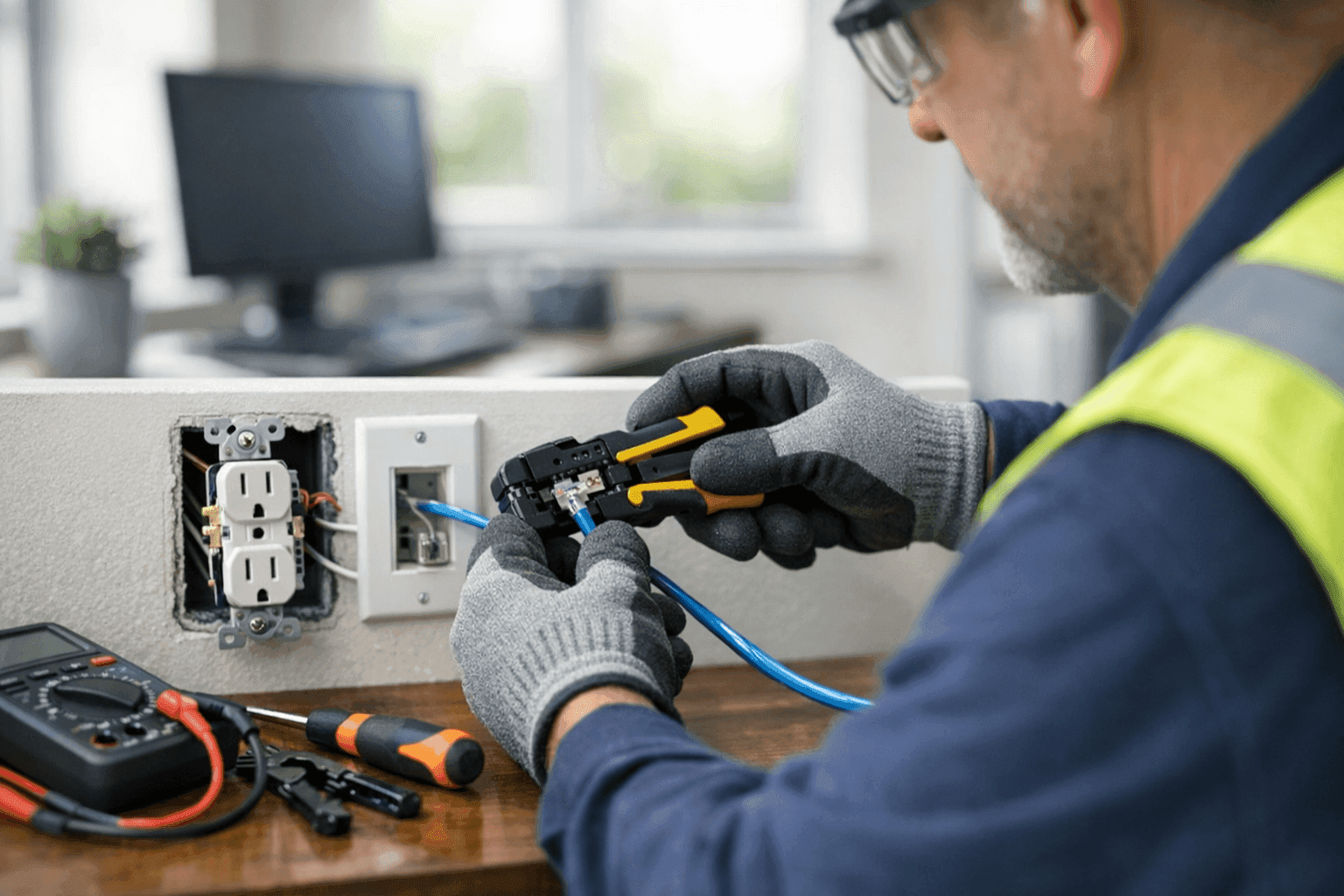
Working from home is here to stay. But many home offices are running on yesterday's wiring, straining to power tomorrow’s tech. If your workspace is flickering, tripping breakers, or full of tangled extension cords, you’re not alone.
At TXC Electric, we know how crucial reliable power is for both productivity and safety. Upgrading your electrical system isn’t just about convenience—it’s about peace of mind. Let’s break down what it takes to get your home office running smoothly, efficiently, and safely.
Home Office Power Needs 🔌
The modern home office is a mini command center. Computers, monitors, printers, chargers, and routers all need steady, safe power. But older homes often have just one or two outlets per room—nowhere near enough for today’s demands.
Ask yourself:
- Are you relying on power strips or extension cords?
- Do you hear buzzing or feel warmth at outlets?
- Do breakers trip when you add another device?
If you answer yes to any of these, your home office likely needs an upgrade. The National Electrical Code (NEC) now recommends more outlets and dedicated circuits for home offices. This isn’t just for convenience; overloaded wiring is a risk for fires and equipment damage.
Safe Wiring Upgrades
Wiring is the backbone of any electrical system. In older homes, wires may be undersized, ungrounded, or simply worn out. Frayed insulation and poor connections can lead to arcing—a leading cause of electrical fires.
A professional electrician will:
- Inspect all visible and concealed wiring for age, wear, or code violations.
- Install dedicated circuits for high-draw equipment (like computers or printers).
- Upgrade outlets to tamper-resistant, grounded models for safety.
- Use AFCIs (arc-fault circuit interrupters) where required by current code.
Remember: DIY fixes are tempting, but code compliance matters. It’s not just about passing inspection—it’s about keeping your home, family, or business safe.
Data and Network Cabling
A strong internet connection is as important as electricity in today’s office. Wi-Fi is handy, but hardwired Ethernet delivers faster, more stable speeds—critical for video calls and cloud work.
TXC Electric installs Cat6 and Cat6A network cabling, perfect for home offices and small businesses. Proper cabling reduces interference, future-proofs your setup, and keeps your workspace tidy.
- Plan cable routes before walls are closed up.
- Use quality jacks and panels for longevity.
- Label everything for easy troubleshooting down the road.
Want to learn more about Phone, Internet & Data Cabling? Check out our dedicated service page for details.
Surge and Backup Protection
Lightning strikes. Power outages. Voltage spikes from the grid. Any of these can fry your electronics in a heartbeat.
Surge protectors are a must—but not all are created equal. Whole-house surge protectors, installed at your main panel, offer the best defense. These devices clamp down on voltage surges before they reach sensitive gear.
Consider adding:
- Uninterruptible Power Supplies (UPS) for computers and networking gear.
- Backup generators for critical systems (especially if you run a home business).
A TXC Electric electrician can recommend the right protection for your needs. Stay one step ahead of the next storm or blackout.
Ergonomics and Lighting
A good office is more than just wires and outlets. Lighting and ergonomics play a massive role in productivity and comfort.
- Choose adjustable LED task lighting for desks.
- Add dimmers to control brightness and reduce eye strain.
- Place outlets at desk level for easy access—no more crawling under furniture.
Ceiling fans can improve airflow, while smart switches put control at your fingertips. Good lighting isn’t just about seeing—it’s about feeling energized and focused all day long.
Quick Safety Checklist
Before plugging in, pause for a quick safety check:
- Outlets: No cracks, buzzing, or loose plugs.
- Cords: No frays, kinks, or pinch points.
- Breakers: No frequent trips or hot spots.
- Smoke/CO Detectors: Test monthly and replace batteries every 6 months.
If in doubt, call TXC Electric. Small problems can become big ones fast.
DIY vs. Professional Installation
You might be handy. But home office upgrades are not the place to cut corners. Electrical work must follow the latest NEC and local building codes. Mistakes can void insurance, cause outages, or worse.
A licensed electrician brings:
- Up-to-date code knowledge
- Professional-grade materials
- Safe, neat installation (with minimal disruption)
For “Electrical System Installation near you,” TXC Electric is ready to help.
What Happens When a Pro Arrives?
Expect a thorough walkthrough:
- Review your current office setup and power needs
- Inspect wiring, outlets, and panel capacity
- Recommend upgrades for safety and efficiency
- Provide a clear, written estimate
No guesswork. No hidden surprises.
Common Mistakes People Make
- Overloading outlets with power strips
- Running extension cords under rugs (a fire hazard)
- Skipping grounding on new outlets
- Ignoring flickering lights or warm outlets
It’s easy to miss these red flags. An annual checkup can catch issues before they escalate.
Costs and Time Factors
Upgrading a home office doesn’t have to break the bank. Costs depend on the age of your wiring, the number of new outlets or circuits, and any special needs (like data cabling or whole-house surge protection).
Most upgrades take just a day or two. Your workspace will be safer—and more productive—almost overnight.
When It’s an Emergency
Some signs can’t wait:
- Burning smells from outlets or panels
- Sparking or arcing
- Repeated breaker trips
- Loss of power to critical devices
If you see any of these, turn off power at the breaker and call TXC Electric right away. We offer 24-hour emergency service.
Prevention and Maintenance
A little attention goes a long way. Schedule routine safety checks, especially if you add new equipment or notice any changes. TXC Electric offers ongoing maintenance for homes and businesses.
Seasonal Considerations
Storm season brings power surges, outages, and fluctuating voltage. Winter means more indoor time and higher electrical loads. Spring and summer are great times for upgrades—before the next big project or weather event.
Signs Your Office Needs an Upgrade
- Frequent tripped breakers
- Not enough outlets
- Flickering lights
- Slow or unreliable internet
- Extension cords everywhere
If this sounds familiar, it’s time to act.
Timeline & Disruption: What to Expect
Most upgrades are quick and tidy. You may lose power for a few hours, but we work around your schedule to minimize downtime. All work is performed to code for lasting safety and reliability.
Materials & Equipment We Use
We use only UL-listed outlets, quality wiring, and industry-leading surge protection devices. Our team stays current on code updates and the latest tech—so your office is ready for whatever the future brings.
FAQ
Q: Can I add outlets myself?
A: Electrical code is strict for a reason. It’s safer—and required—to have a licensed electrician handle new outlets and circuits.
Q: Do I need dedicated circuits for my home office?
A: If you have multiple high-draw devices, yes. Dedicated circuits prevent overloads and keep sensitive equipment safe.
Q: What about older homes?
A: Older wiring may not meet modern safety standards. An inspection is the best way to know what you’re working with.
Ready to Upgrade Your Home Office?
A safe, reliable office is the foundation of your workday. Whether you need more outlets, better lighting, or a complete wiring overhaul, TXC Electric can help. We serve homeowners and businesses looking for reliable electrician services and upgrades that last.
Call TXC Electric now — or reach us anytime at 855-557-6564 .